Turn any screenshot into
actionable tickets.
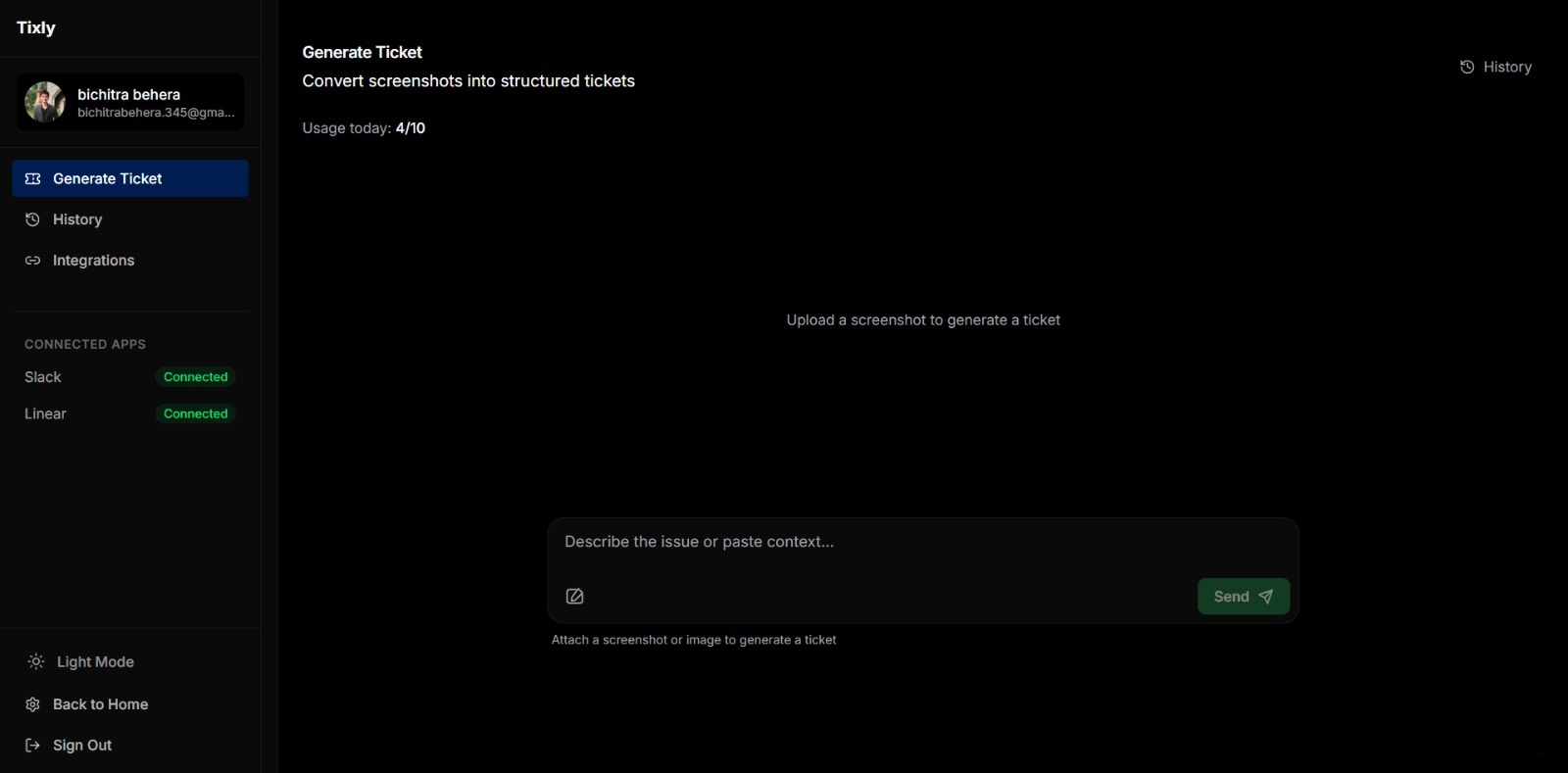
Paste a screenshot, get a structured ticket ready for Slack or Linear. Bring your own AI key — your data stays yours. Save 15–30 minutes per issue.
Works with your existing tools
Three steps.
Paste screenshot
Drop a screenshot or paste from clipboard. Works with bugs, UI issues, client feedback, or any visual context.
AI extracts data
Our AI analyzes the image and generates a complete, structured ticket with title, description, and context.
Export or copy
Copy the formatted ticket or export directly to Linear, Slack.
WHO IT'S FOR
Built for real teams.
Developers
Turn screenshots of errors, UI issues, and unexpected behavior into structured tickets in seconds.
QA Testers
Document bugs, edge cases, and visual inconsistencies with complete context for every issue.
Agencies
Convert client feedback screenshots into actionable tasks. No more retyping or clarifying.
Product Teams
Capture product discussions, design feedback, and visual context into trackable tickets.
Features
Visual context, structured output.
From screenshot to actionable ticket in 5 seconds. No retyping, no formatting hassle.
Screenshot to ticket
Transform any screenshot into a complete, structured ticket with title, description, and context — in seconds.
Your own AI key
Bring your own OpenAI, OpenRouter, or Anthropic key. Encrypted at rest, never exposed. Your data stays yours.
Export to Slack & Linear
Send tickets directly to Slack DMs or create Linear issues with one click. More integrations coming.
Free to use
No subscription, no credit card. Bring your own AI key and generate as many tickets as you need.
Try Tixly for free
Bring your own AI key, paste a screenshot, and get a structured ticket in seconds. No credit card required.
Generate your first ticket